Reduxを始める

まずReact.js&webpack&babelから
#################
$ npm init
$ npm install –save-dev webpack webpack-cli webpack-dev-server
$ npm install –save-dev @babel/core @babel/preset-env @babel/preset-react babel-loader
$ npm install –save-dev react react-dom
$ npm install –save-dev @babel/plugin-proposal-class-properties

.babelrc作成

{
	"plugins": [
		"@babel/plugin-proposal-class-properties"
	]
}

webpack.config.jsの作成
srcディレクトリの作成
#################

ここから、Reduxを使い始めたい。
公式に沿ってやっていく。(https://redux.js.org/introduction/getting-started)

npm i react-redux

$ npm install --save-dev react-redux
$ npm install --save-dev redux

basic example

import { createStore } from 'redux'

function counter(state = 0, action){
	swtich(action.type){
		case 'INCREMENT':
			return state + 1
		case 'DECREMENT':
			return state - 1
		default:
			return state
	}	
}

let store = createStore(counter)

store.subscribe(() => console.log(store.getState()))

store.dispatch({ type: 'INCREMENT' })

createStoreで状態遷移を管理?
全体の動きがよくわからんな。。
Redux 2

import React from 'react'
import { render } from 'react-dom'
import { createStore } from 'redux'
import { Provider } from 'react-redux'

import App from './container/app'
import reducer from './reducer'

const store = createStore(reducer)

render(
	<Provider store={store}>
		<App />
	</Provider>,
	document.getElementById('root')
)

reducer.jsx
Reduxでは状態遷移をreducerで管理する

const initialState {
	fuga: 1
}

export default function reducer(state = initalState, action){
	switch(action.type){
		case 'INCREMENT':
		...
		default:
			return state
	}	
}

container
containerはReduxのStoreが管理する状態遷移をReactのプロパティとして流し込む
container/app.jsx

import React from 'react'
import { connect } from 'react-redux'

import App from '../component/app'

function mapStateToProps(state){
	return state
}

function mapDispatchToProps(dispatch){
	return {
		handleClick: () => { dispatch(increment())}
	}
}


export default connect(mapStateToProps)(App)

reactでviewを管理し、reducerでstateの状態遷移を行う
とりあえず、reduxの環境構築からか。

Reduxとは

ReactJSが扱うUIのstateを管理するためのフレームワーク
Reactではstateの管理するデータフローにFluxを提案しているが、ReduxはFluxの概念をより扱いやすく設計されている

UserInput -> View -> Action -> dispatch -> state -> state -> reducer

Actionは何をするという情報を持ったオブジェクト

{
	type: 'ADD_TODO',
	text: 'Build Redux app'
}

ActionCreator
Actionを作成するメソッド。Actionを作るのみ、Storeの

function AddTodo(text){
	return {
		type: ADD_TODO,
		text
	}
}

ActionCreatorで生成されたActionをStoreに送る
Storeのinstanceにdispatch(action)を行うことで、Storeへ変更を伝える

Storeはアプリケーションの状態(state)を保持している
アプリケーション内で一つのstateを保持している
stateへのアクセスはgetState(), stateの更新はdispatch(action)、リスナー登録はsubscribe(listener)

{
	visibilityFilter: 'SHOW_ALL',
	todos: [
		{
			text: 'Consider using Redux',
			completed: true,
		},
		{
			text: 'keep all state in a single tree',
			completed: false
		}

	]
}

dispatchされたactionとstateをReducerへ渡す
storeはdispatchされると、引数のactionと現在保持しているstateをreducerへ私、新しいstateを作成

import { createStore } from 'redux'
import todoApp from './reducers'
let store = createStore(todoApp)

reducerはactionとstateから新しいstateを作成して返すメソッド
Stateを変更する関数はpureな関数
viewのところがReact.js

redux Github
https://github.com/reduxjs/redux

1. Single source of truth
2. State is read-only
3. Mutations are written as pure functions

https://reactjs.org/docs/getting-started.html
https://redux.js.org/index.html

もはやreduxでは、英語のドキュメントの方が質が高く、そこから学ぶのが効率的、という認識が一般化されつつあるな。

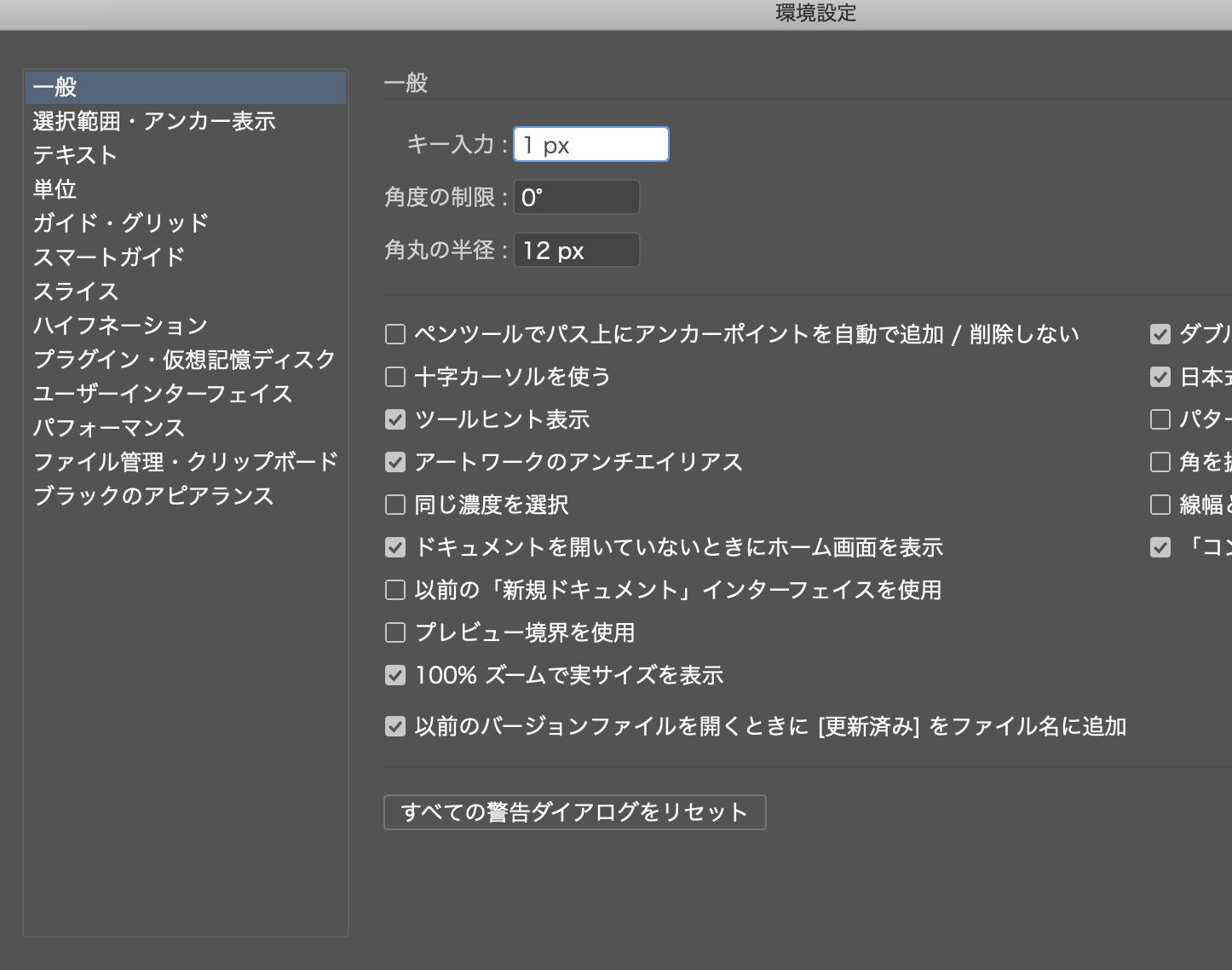
illustrator 6

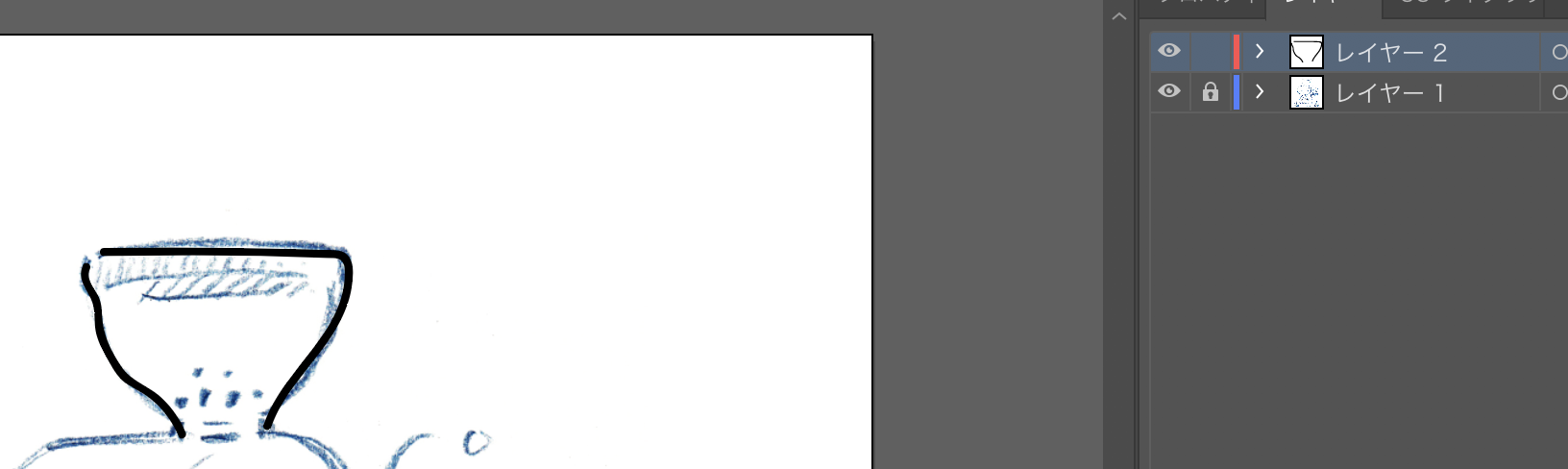
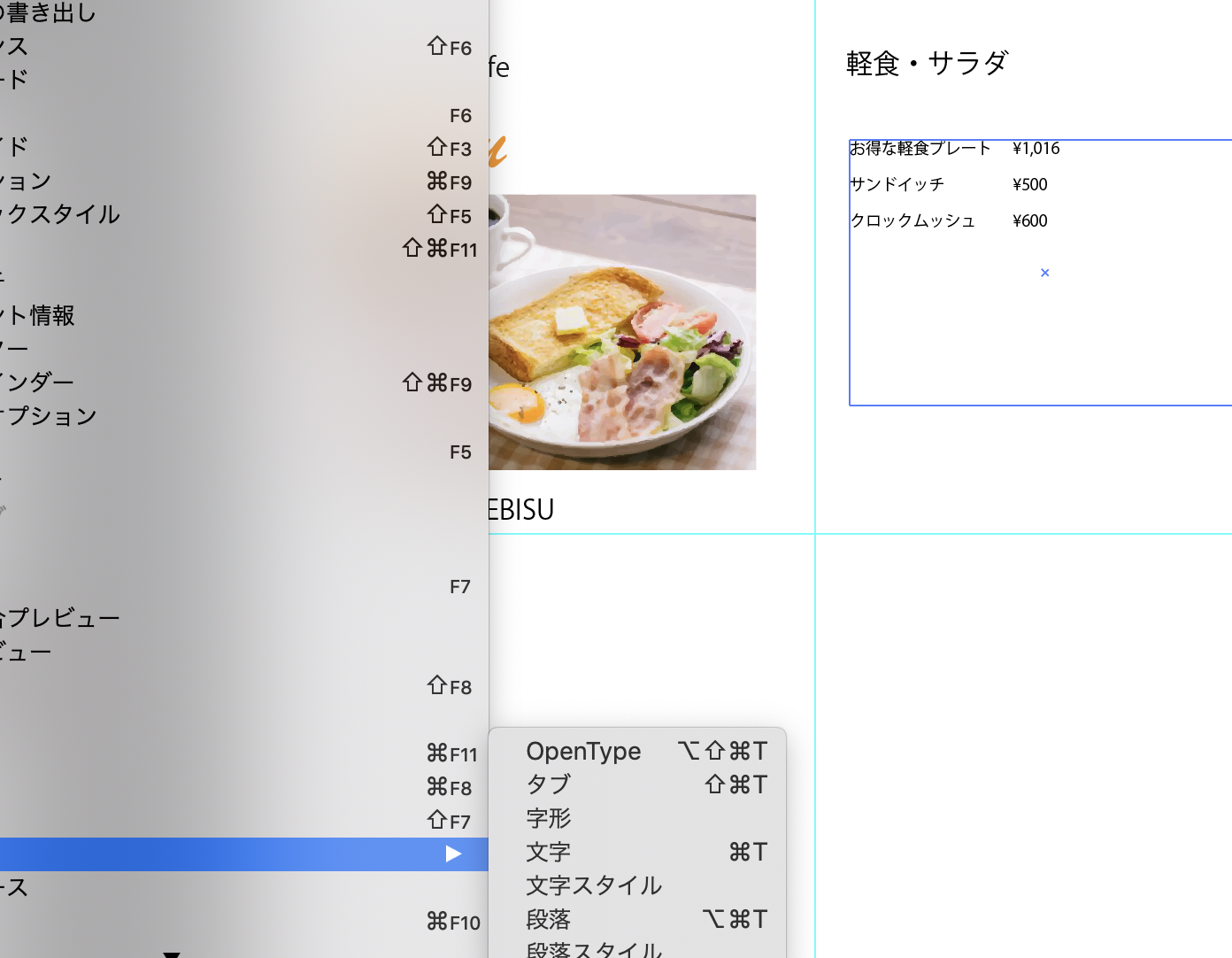
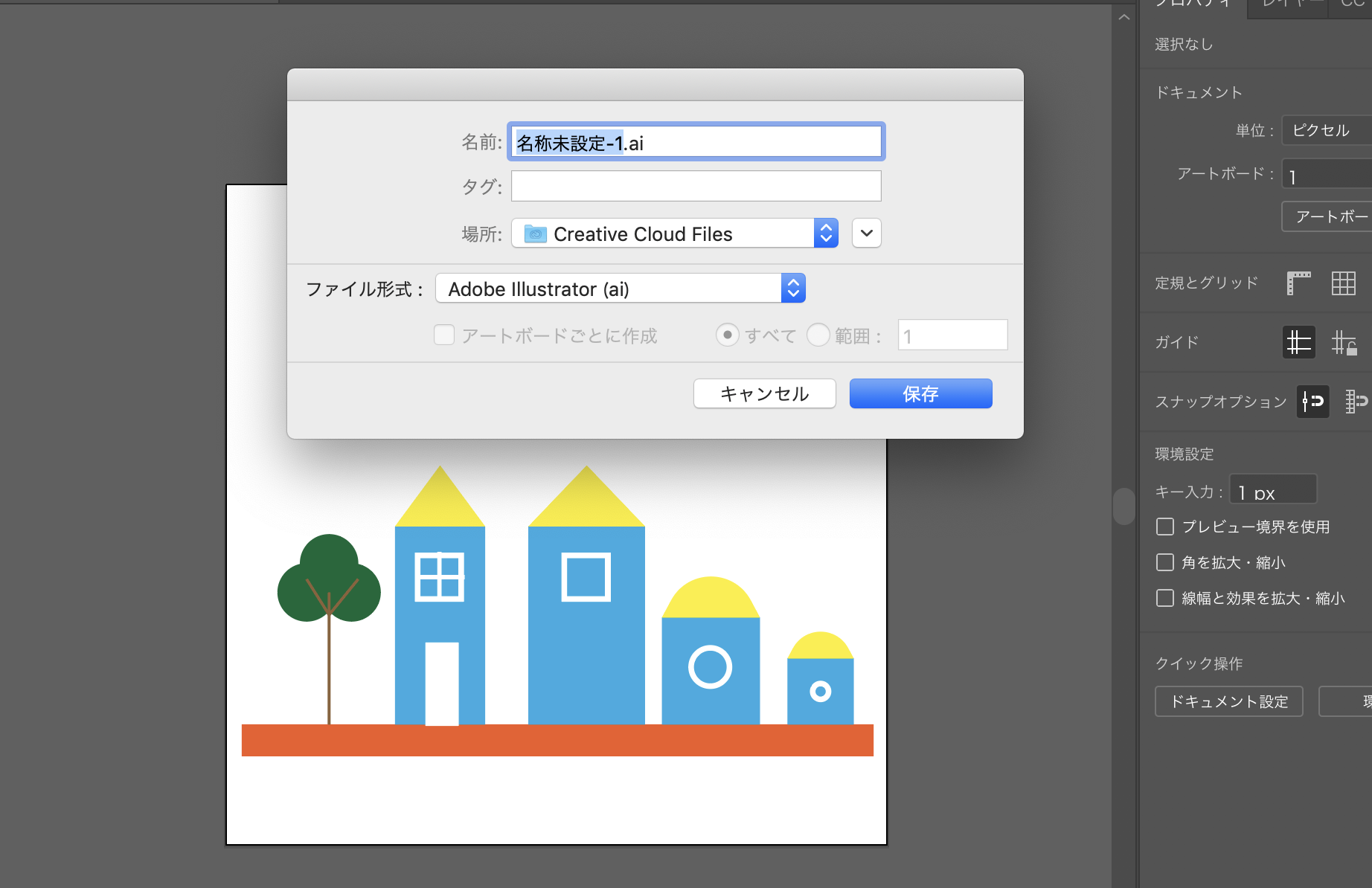
手書きのイラストをillustratorに取り込むことができる

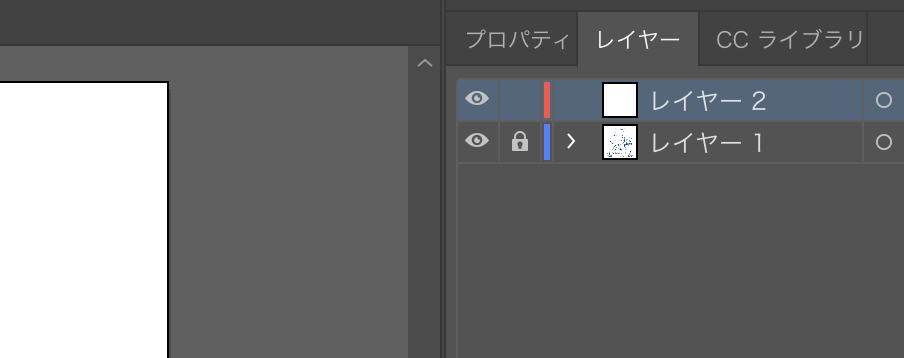
画像を配置してレイヤーを追加

レイヤーの表示、非表示を切り替える

illustratorでイラストを書いていくときは、通常はペンタブレットを使う

あれ??? ペンタブレットって、漫画家になるって奴が話してたやつだ!!!
あいつ、漫画書いてるかな〜〜

illustrator 5

illustratorに写真を配置できる

画像のトレース
-> ラスター画像をベクター画像に変換

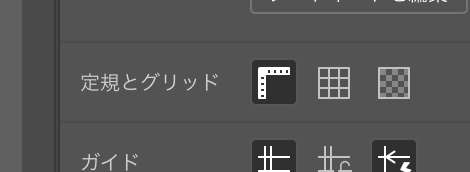
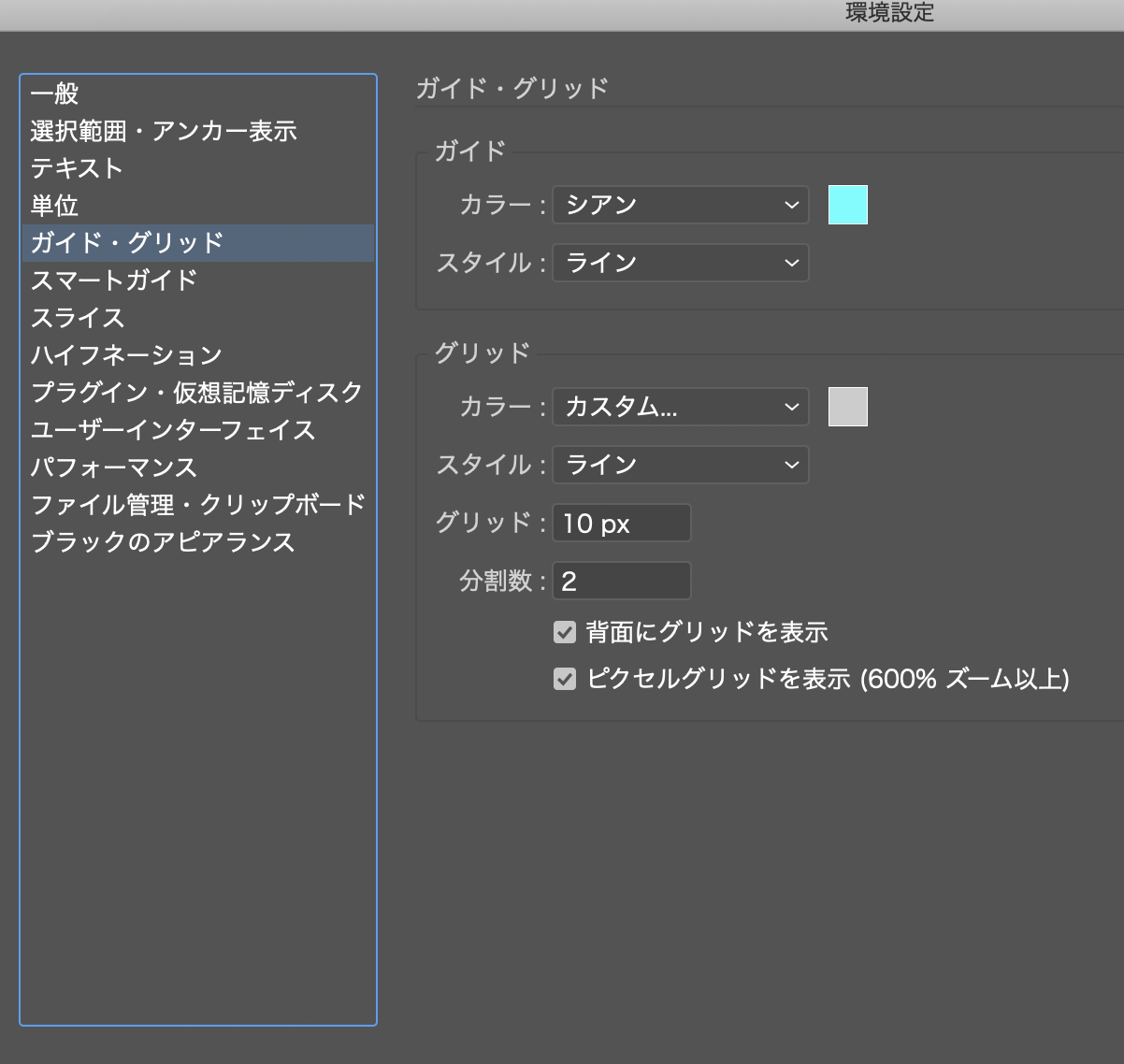
グリッドを表示する

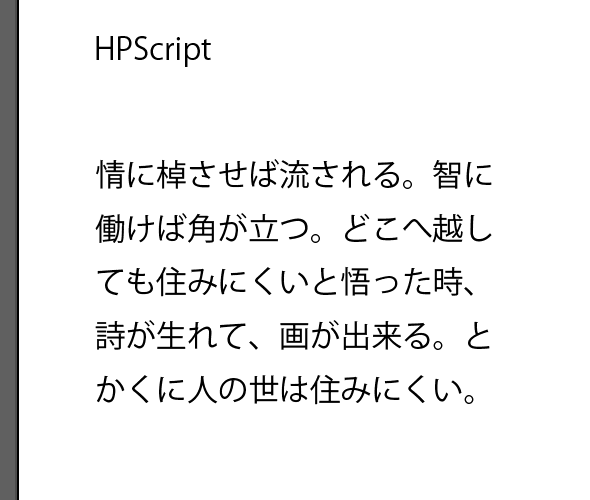
テキストを配置

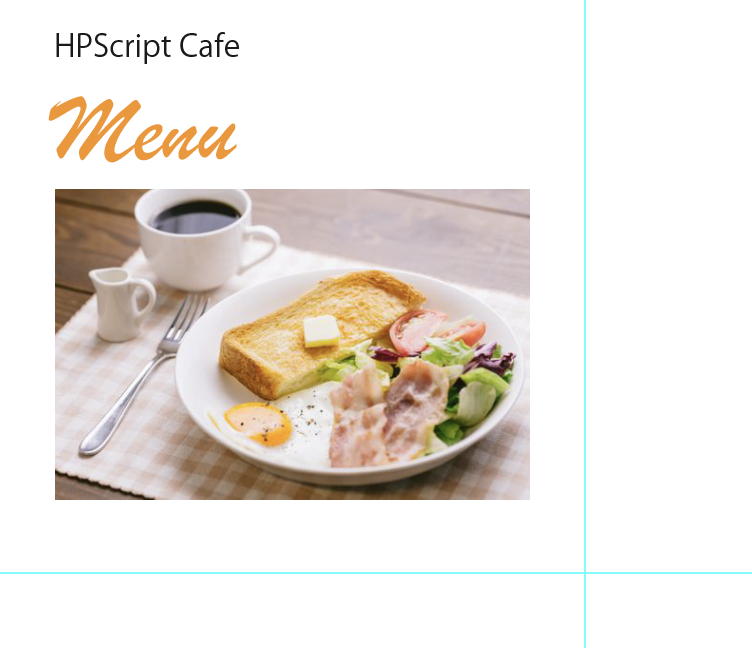
画像を配置

画像をラスター化

これどうしようか。。
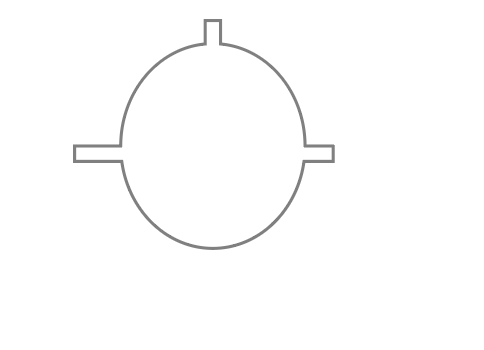
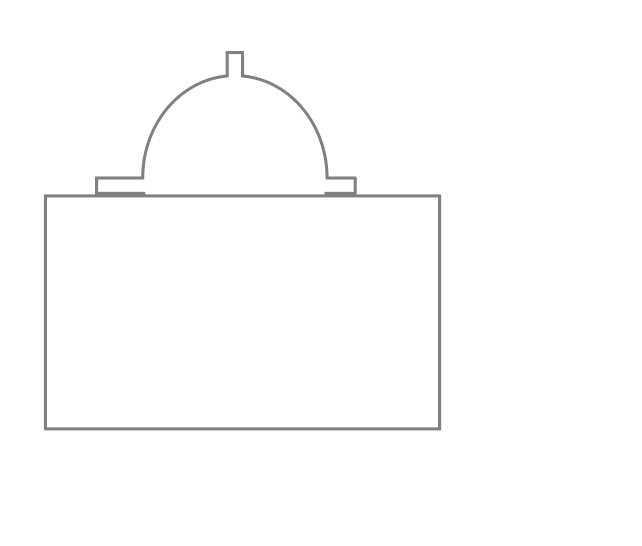
illustrator 2

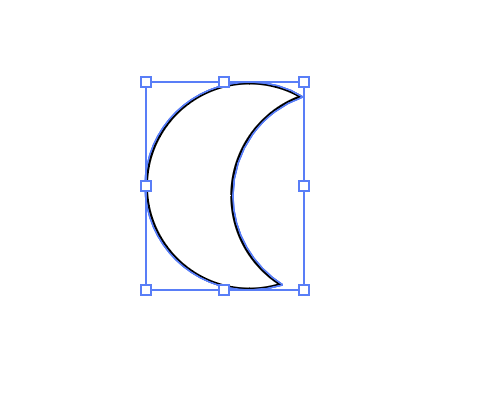
続いてオブジェクトを作っていきます

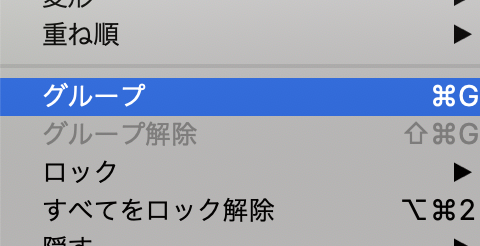
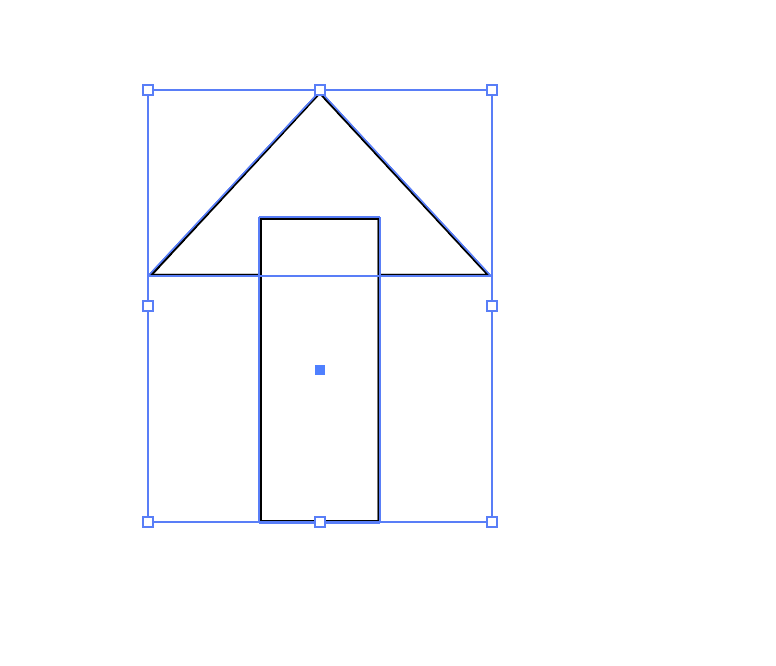
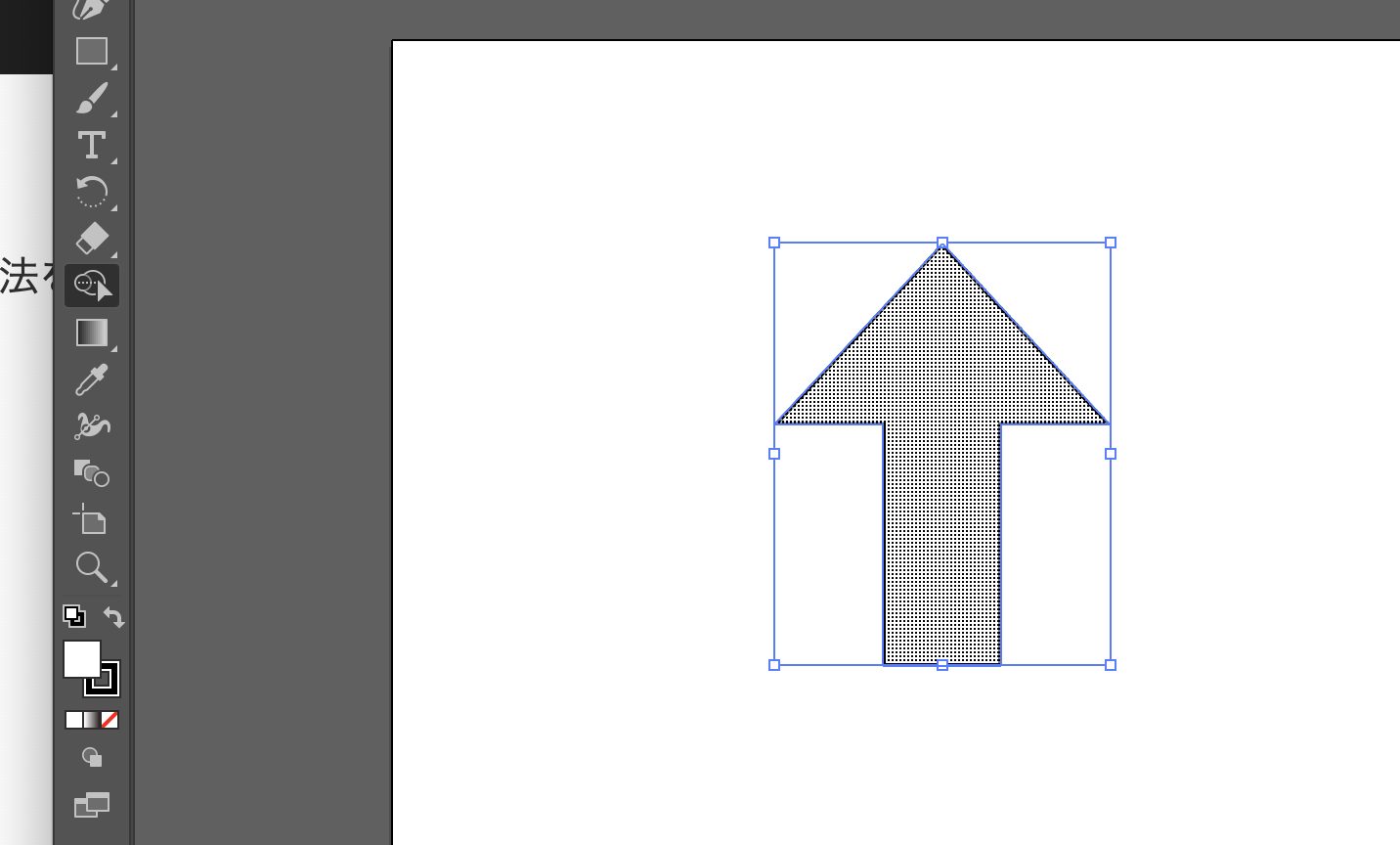
合成

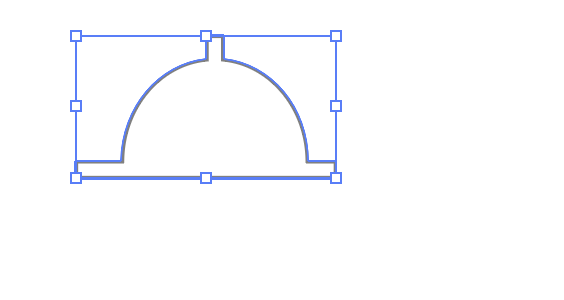
切り抜きも出来る

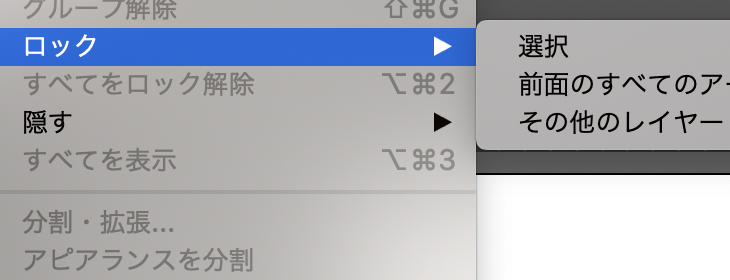
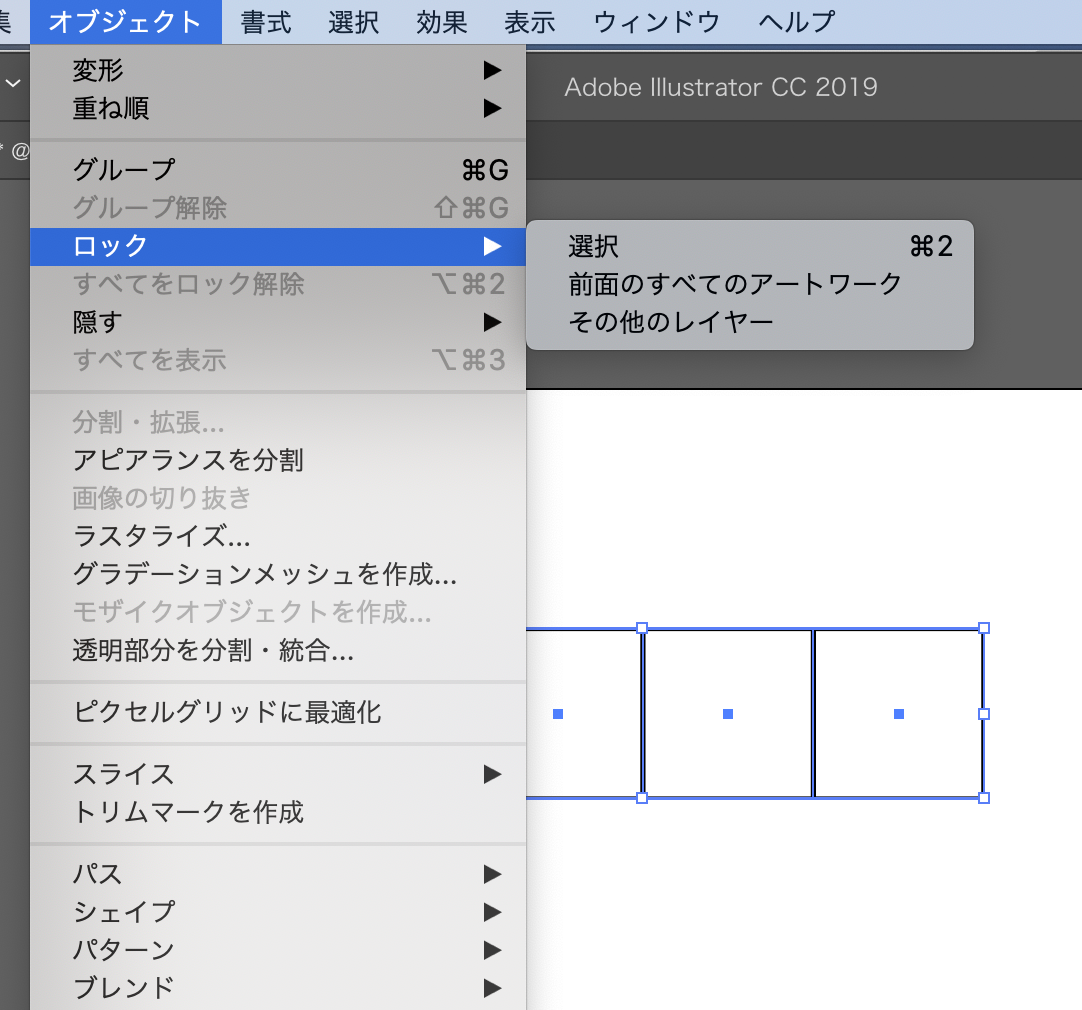
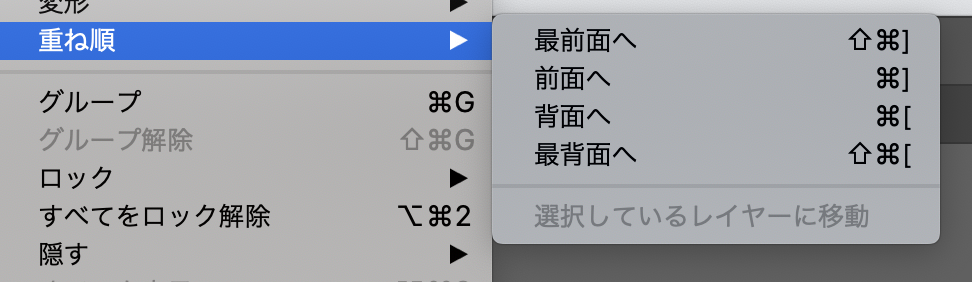
ロック

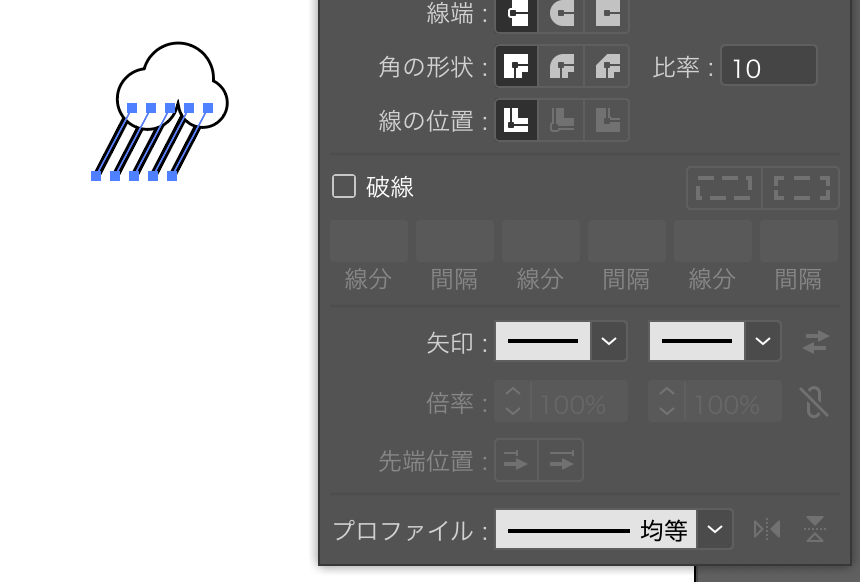
雨雲

もはや職人の世界だな、これ。。

coturn

firewallを超える場合に、turnサーバーでドメインを指定する

$ sudo cp /usr/local/etc/turnserver.conf.default /usr/local/etc/turnserver.conf
$ sudo vi /usr/local/etc/turnserver.conf

# The default realm to be used for the users when no explicit 
# origin/realm relationship was found in the database, or if the TURN
# server is not using any database (just the commands-line settings
# and the userdb file). Must be used with long-term credentials 
# mechanism or with TURN REST API.
#
#realm=mycompany.org
...

# Uncomment if no UDP client listener is desired.
# By default UDP client listener is always started.
#
#no-udp

# Uncomment if no TCP client listener is desired.
# By default TCP client listener is always started.
#
#no-tcp

# Uncomment if no TLS client listener is desired.
# By default TLS client listener is always started.
#
#no-tls

# Uncomment if no DTLS client listener is desired.
# By default DTLS client listener is always started.
#
#no-dtls

ってことはSTUNは外部で調達して、TURNはインスタンスで立てるって理解でOK?