[ec2-user@hoge ~]$ crontab -e
毎時10分に実行とします。
10 * * * * cd /var/local/amedas; /usr/bin/python3 app.py
[ec2-user@hoge ~]$ crontab -e
crontab: installing new crontab
さあ、反映されるかな。しかし、実感値としては、pythonはvagratよりec2の方がサクサク動きますね。
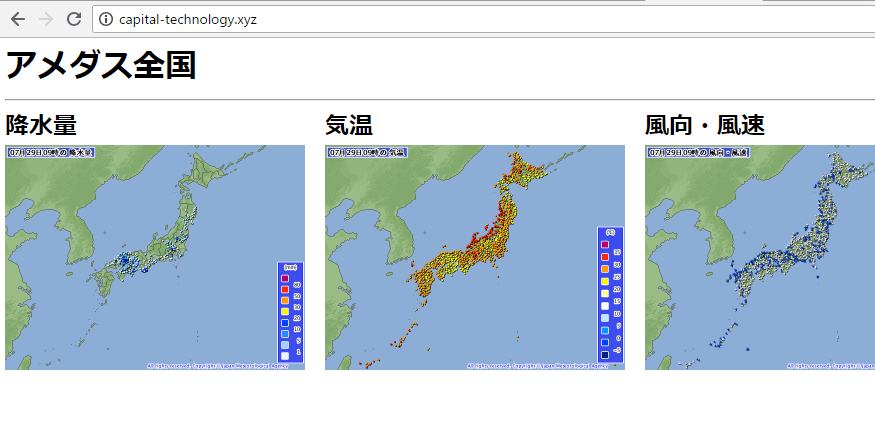
おおおおおおおおおおおおお、ちゃんと自動で実行されてますね♪
随机应变 ABCD: Always Be Coding and … : хороший

[ec2-user@hoge ~]$ crontab -e
毎時10分に実行とします。
10 * * * * cd /var/local/amedas; /usr/bin/python3 app.py
[ec2-user@hoge ~]$ crontab -e
crontab: installing new crontab
さあ、反映されるかな。しかし、実感値としては、pythonはvagratよりec2の方がサクサク動きますね。
おおおおおおおおおおおおお、ちゃんと自動で実行されてますね♪
puttyでec-2にログインして、localでpython app.pyと打つ
[ec2-user@ip-hoge amedas]$ python app.py
File “app.py”, line 18
SyntaxError: Non-ASCII character ‘\xe4’ in file app.py on line 18, but no encoding declared; see http://python.org/dev/peps/pep-0263/ for details
[ec2-user@ip-172-31-24-16 amedas]$ python app.py
Traceback (most recent call last):
File “app.py”, line 1, in
import urllib.request
ImportError: No module named request
あら、python2系だと駄目のようです。
yum listでPython3がコレクションされているのがわかります。
$ yum list | grep python35
mod24_wsgi-python35.x86_64 3.5-1.25.amzn1 amzn-updates
python35.x86_64 3.5.5-1.12.amzn1 amzn-updates
python35-devel.x86_64 3.5.5-1.12.amzn1 amzn-updates
python35-libs.i686 3.5.5-1.12.amzn1 amzn-updates
python35-libs.x86_64 3.5.5-1.12.amzn1 amzn-updates
python35-pip.noarch 9.0.3-1.26.amzn1 amzn-updates
python35-setuptools.noarch 36.2.7-1.33.amzn1 amzn-main
python35-test.x86_64 3.5.5-1.12.amzn1 amzn-updates
python35-tools.x86_64 3.5.5-1.12.amzn1 amzn-updates
python35-virtualenv.noarch 15.1.0-1.14.amzn1 amzn-main
入れていきます。
$ yum install python35-devel python35-libs python35-setuptools
$ /usr/bin/easy_install-3.5 pip
もう一度コマンドを打ちます。
wow はや
[ec2-user@hoge amedas]$ python3 app.py
finish
ec-2でもpython35が実行されているのがわかります。
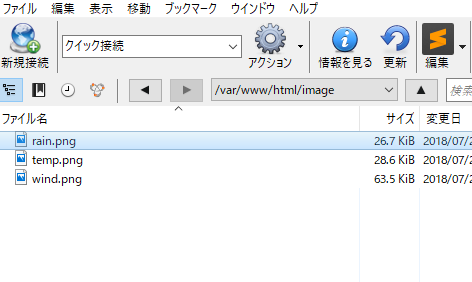
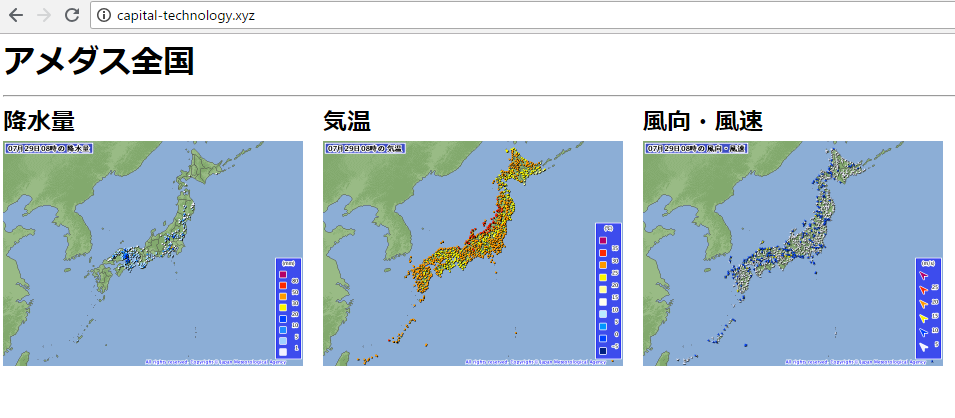
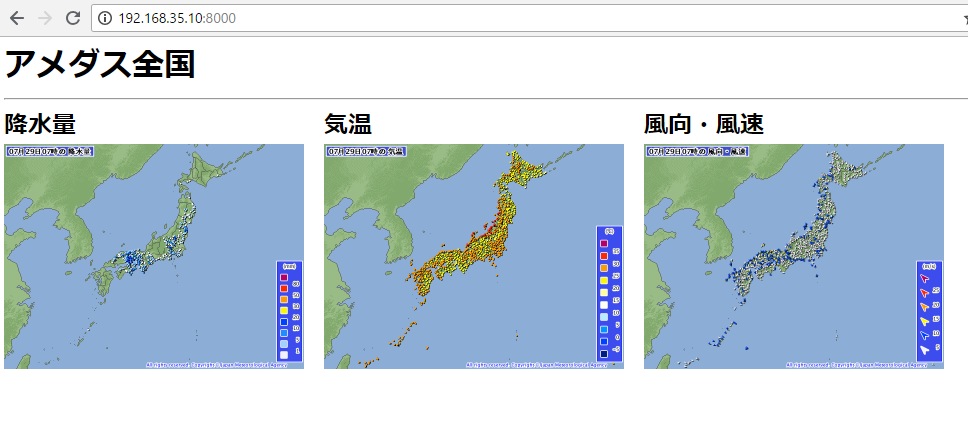
index.html, style.cssものせると、awsにのりました。
[vagrant@localhost python]$ date
2018年 7月 28日 土曜日 22:37:15 JST
そんなあほな。
[vagrant@localhost python]$ sudo yum -y install ntp
[vagrant@localhost python]$ sudo ntpdate ntp.nict.jp
29 Jul 07:45:47 ntpdate[4594]: step time server 133.243.238.244 offset 32583.641597 sec
[vagrant@localhost python]$ date
2018年 7月 29日 日曜日 07:46:03 JST
コマンドを立ち上げると、pugが見つかりませんとなるので
[vagrant@localhost python]$ pug index.pug
-bash: pug: コマンドが見つかりません
[vagrant@localhost python]$ source ~/.nvm/nvm.sh
sassも起動しておく
sass –watch css/style.sass:css/style.css
photoshopで16 x 16 pixelで新規を作り、pencilで色を塗っていく。
あれ、すげー真ん中からズレてるやんけ。

背景を表示したい。
やり直します。
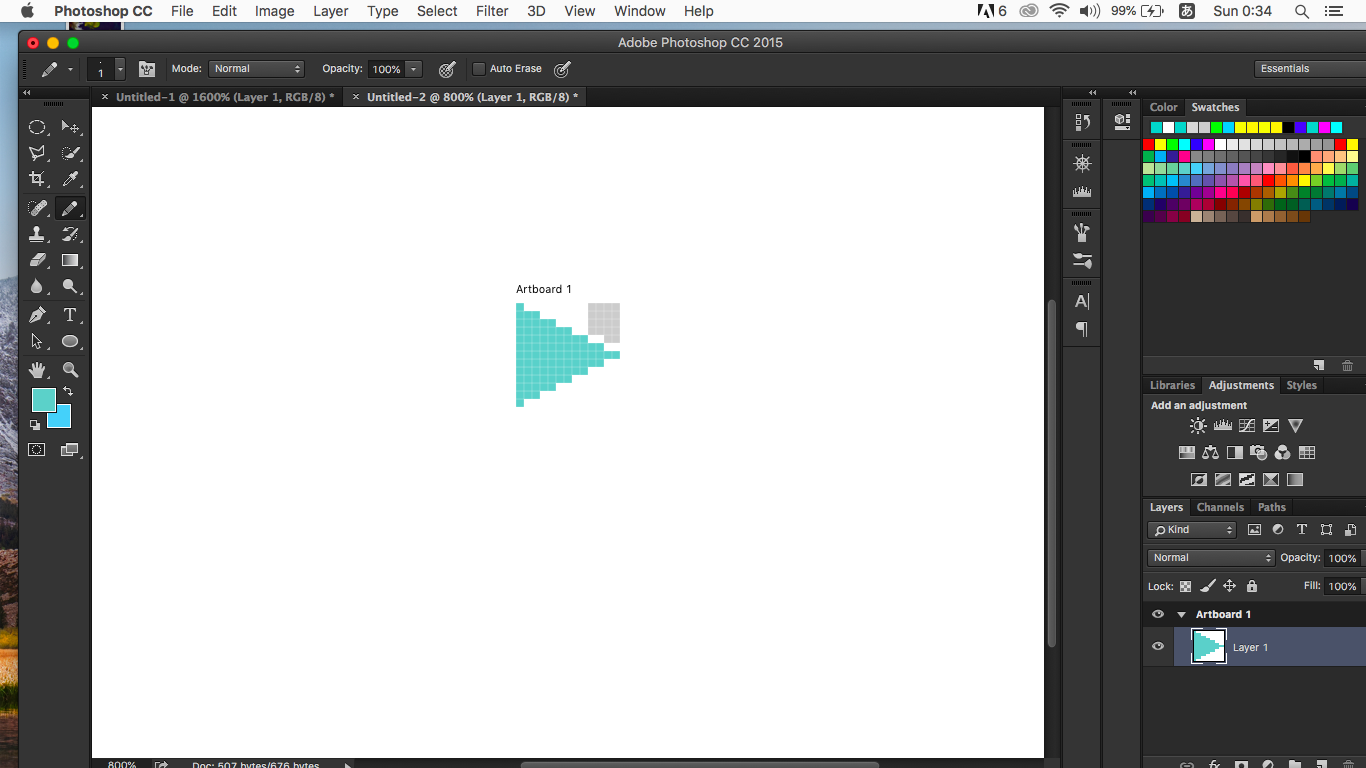
書き出し。

あれ、あれ?
つうか、デザイナーってこう言う事やってんだ。ある意味凄いな。
あああああああああ、aiもやらなきゃ。なんなんだろう。
python3
import urllib.request
from datetime import datetime

time = datetime.strftime(datetime.now(), "%Y%m%d%H")

url1 = "https://www.jma.go.jp/jp/amedas/imgs/temp/000/"+ time +"00-00.png"
savename = "image/temp.png"
urllib.request.urlretrieve(url1, savename)

url2 = "https://www.jma.go.jp/jp/amedas/imgs/rain/000/"+ time +"00-00.png"
savename = "image/rain.png"
urllib.request.urlretrieve(url2, savename)

url3 = "https://www.jma.go.jp/jp/amedas/imgs/wind/000/"+ time +"00-00.png"
savename = "image/wind.png"
urllib.request.urlretrieve(url3, savename)

print("保存しました")
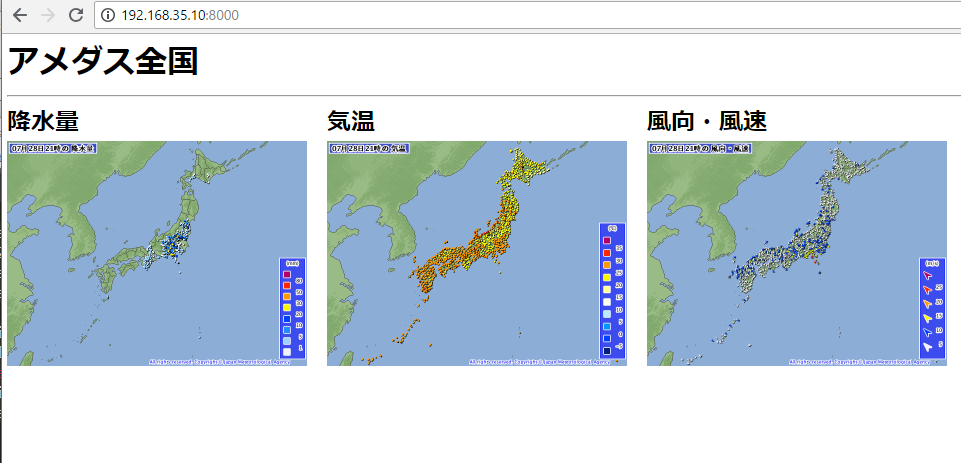
pug
doctype html
html(lang="ja")
	head
		meta(charset="utf-8")
		link(rel='stylesheet', href="css/style.css")
		title アメダス
	body
		h1 アメダス全国
		hr
		section#top
			h2 降水量
			img.image(
				src="/image/rain.png"
			)
		section#top
			h2 気温
			img.image(
				src="/image/temp.png"
			)
		section#top
			h2 風向・風速
			img.image(
				src="/image/wind.png"
			)
sass
body
	margin: 5px
h1, h2
	margin-top: 0px
	margin-bottom: 0px
#top
	width: 320px
	float: left
.image
	width: 300px
	height: 225px
– jsで日時を表示したい
– illustratorでアイコンを作りたい
– crontabを設定したい
– awsに載せたい
– RSSのニュースを取得して表示したい
あれ、pugは変数もたせて、foreachとかできるんだっけ?できれば、繰り返し処理にしたいところ。
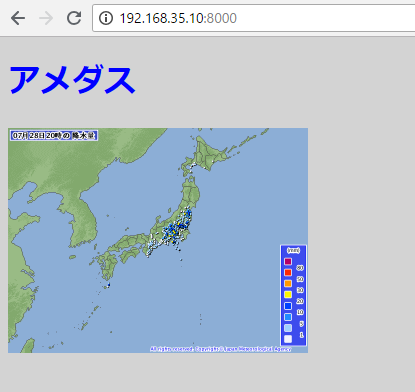
index.pug
		h1 アメダス
		p.image: img.rain(
			src="/image/rain.png"
		)
style.sass
body
	background-color: lightgray
	color: blue
.rain
	width: 300px
	height: 225px
[vagrant@localhost python]$ pug index.pug
rendered index.html
pugでstyle(src=”css/style.css”)と書いても効かない。
doctype html
html(lang="ja")
	head
		meta(charset="utf-8")
		style(src="css/style.css")
		title アメダス
	body
		h1 アメダス
		p.image: img(
			src="/image/rain.png"
		)
なので、このように書きます。
link(rel='stylesheet', href="css/style.css")
[vagrant@localhost python]$ pug index.pug
rendered index.html
body
	background-color: lightgray
	color: blue
おう、それっぽくなった。
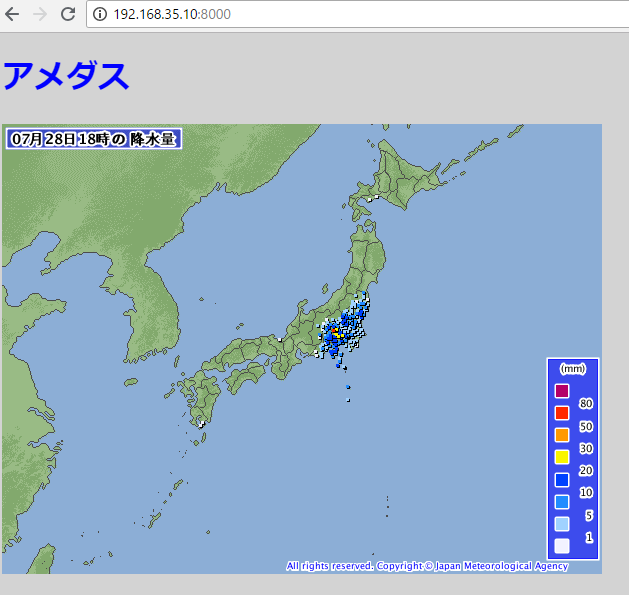
あ、pythonのコマンドで画像をアップデートします。
[vagrant@localhost python]$ python app.py
保存しました
いずれは,crontabで自動化する。
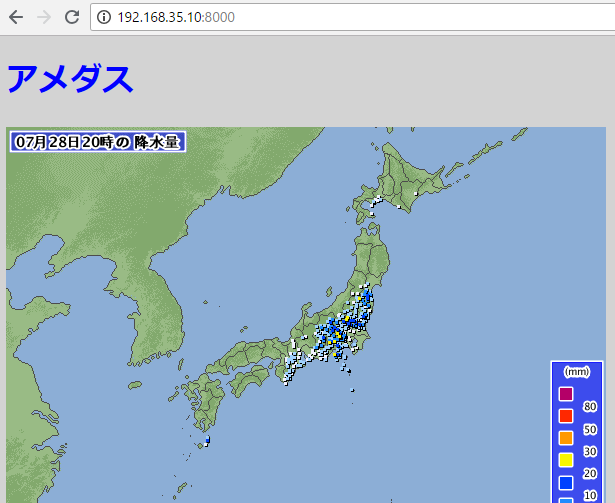
pugやらsassやら、名称がイマイチ好きになれんなーと思いつつ、
sassを入れます。
[vagrant@localhost python]$ gem install sass
数秒待つと、、、
入りました!
[vagrant@localhost python]$ sass –version
Ruby Sass 3.5.7
style.sass
body
	background-color: lightgray
コンパイルします。
[vagrant@localhost python]$ sass css/style.sass:css/style.css
おおおおおおおおおおおおおお、
出来とる!
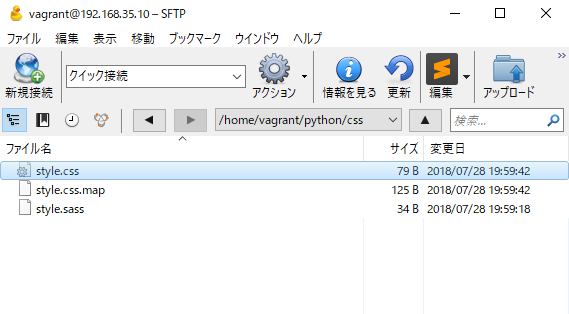
それで、、、
style.css
body {
  background-color: lightgray; }
doctype html
html(lang="ja")
	head
		meta(charset="utf-8")
		title アメダス
	body
		h1 アメダス
		p.image: img(
			src="/image/rain.png"
		)
[vagrant@localhost python]$ pug index.pug
rendered index.html
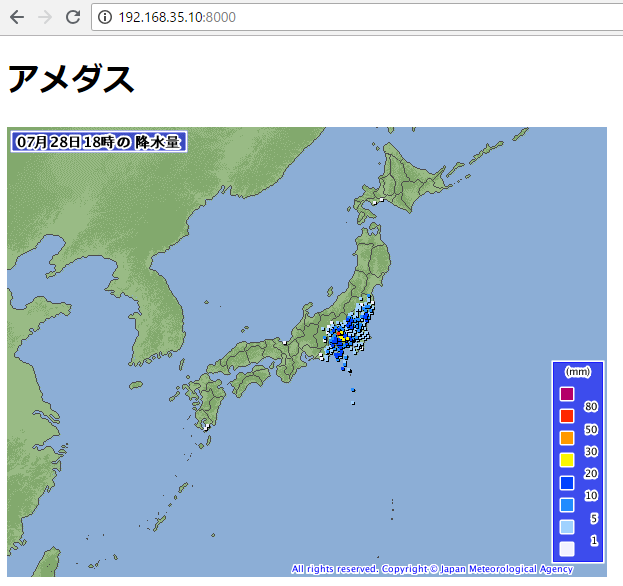
うん、cssファイルを使いたいですね。sassを使いたい。