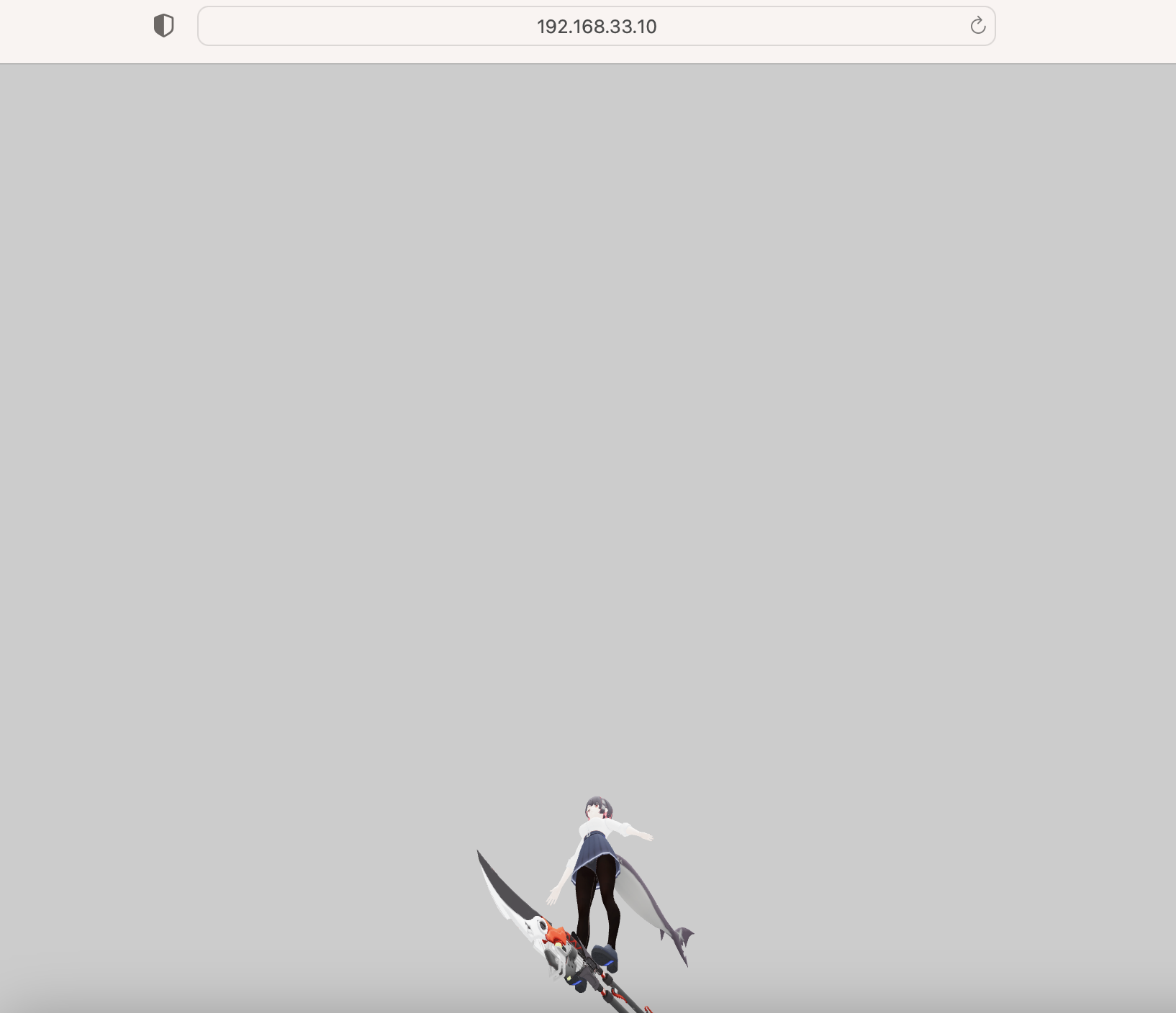
<!DOCTYPE html>
<html lang="ja">
<head>
    <meta charset="UTF-8">
    <title>Three.js glTF アバターデモ (最終サイズ調整版)</title>
    <style>
        body { margin: 0; overflow: hidden; background-color: #f0f0f0; }
        canvas { display: block; }
    </style>

    <script src="https://unpkg.com/three@0.137.0/build/three.min.js"></script>
    <script src="https://unpkg.com/three@0.137.0/examples/js/loaders/GLTFLoader.js"></script>
    <script src="https://unpkg.com/three@0.137.0/examples/js/controls/OrbitControls.js"></script>
</head>
<body>
    <script>
        // ==========================================================
        // 1. シーン、カメラ、レンダラーのセットアップ
        // ==========================================================
        const scene = new THREE.Scene();
        // カメラのクリッピング範囲を広げる (near=0.001, far=10000)
        const camera = new THREE.PerspectiveCamera(75, window.innerWidth / window.innerHeight, 0.001, 10000);
        const renderer = new THREE.WebGLRenderer({ antialias: true });

        renderer.setSize(window.innerWidth, window.innerHeight);
        renderer.setPixelRatio(window.devicePixelRatio);
        renderer.outputEncoding = THREE.sRGBEncoding;
        renderer.toneMapping = THREE.ACESFilmicToneMapping;
        renderer.setClearColor(0xcccccc, 1);
        document.body.appendChild(renderer.domElement);

        // ==========================================================
        // 2. ライトのセットアップ
        // ==========================================================
        const ambientLight = new THREE.AmbientLight(0xffffff, 2.0);
        scene.add(ambientLight);

        const directionalLight = new THREE.DirectionalLight(0xffffff, 1.0);
        directionalLight.position.set(5, 10, 5);
        scene.add(directionalLight);

        const pointLight = new THREE.PointLight(0xffffff, 3.0);
        pointLight.position.set(0, 3, 0);
        scene.add(pointLight);

        // ==========================================================
        // 3. GLTFLoaderとアニメーションミキサーのセットアップ
        // ==========================================================
        const loader = new THREE.GLTFLoader();
        let mixer;
        const clock = new THREE.Clock();

        // ==========================================================
        // 4. モデルの読み込み
        // ==========================================================
        const MODEL_PATH = './ellen_joe_oncampus/scene.gltf';

        loader.load(
            MODEL_PATH,
            function (gltf) {
                const model = gltf.scene;
                scene.add(model);

                // 【最終修正点】モデルを 50倍に拡大し、適切なサイズで表示
                model.scale.set(50, 50, 50);

                // モデルの位置を強制的に原点 (0, 0, 0) に設定
                model.position.set(0, 0, 0);

                // アニメーションデータの処理
                if (gltf.animations && gltf.animations.length > 0) {
                    mixer = new THREE.AnimationMixer(model);
                    const action = mixer.clipAction(gltf.animations[0]);
                    action.play();
                } else {
                    console.log('モデルにアニメーションデータが見つかりませんでした。静止画として表示します。');
                }
            },
            function (xhr) {
                console.log('モデル読み込み中: ' + (xhr.loaded / xhr.total * 100).toFixed(2) + '%');
            },
            function (error) {
                console.error('モデルの読み込み中にエラーが発生しました。', error);
            }
        );

        // ==========================================================
        // 5. カメラとコントロールの設定
        // ==========================================================
        // 【最終修正点】50倍スケールに合わせてカメラを遠ざけ、全体が見えるように調整
        camera.position.set(0, 5, 10);

        const controls = new THREE.OrbitControls(camera, renderer.domElement);
        // 【最終修正点】注視点をモデルの中心 (Y=5m) に設定
        controls.target.set(0, 5, 0);
        controls.update();

        // ==========================================================
        // 6. アニメーションループ (毎フレームの更新処理)
        // ==========================================================
        function animate() {
            requestAnimationFrame(animate);

            const delta = clock.getDelta();

            if (mixer) {
                mixer.update(delta);
            }

            controls.update();
            renderer.render(scene, camera);
        }

        animate();

        // 画面サイズ変更時の対応
        window.addEventListener('resize', () => {
            camera.aspect = window.innerWidth / window.innerHeight;
            camera.updateProjectionMatrix();
            renderer.setSize(window.innerWidth, window.innerHeight);
        });

    </script>
</body>
</html>